
The Story
About MakerRoo
👋 Hi, I'm Sam. I'm an Aussie software developer, but I've always been a maker at heart.
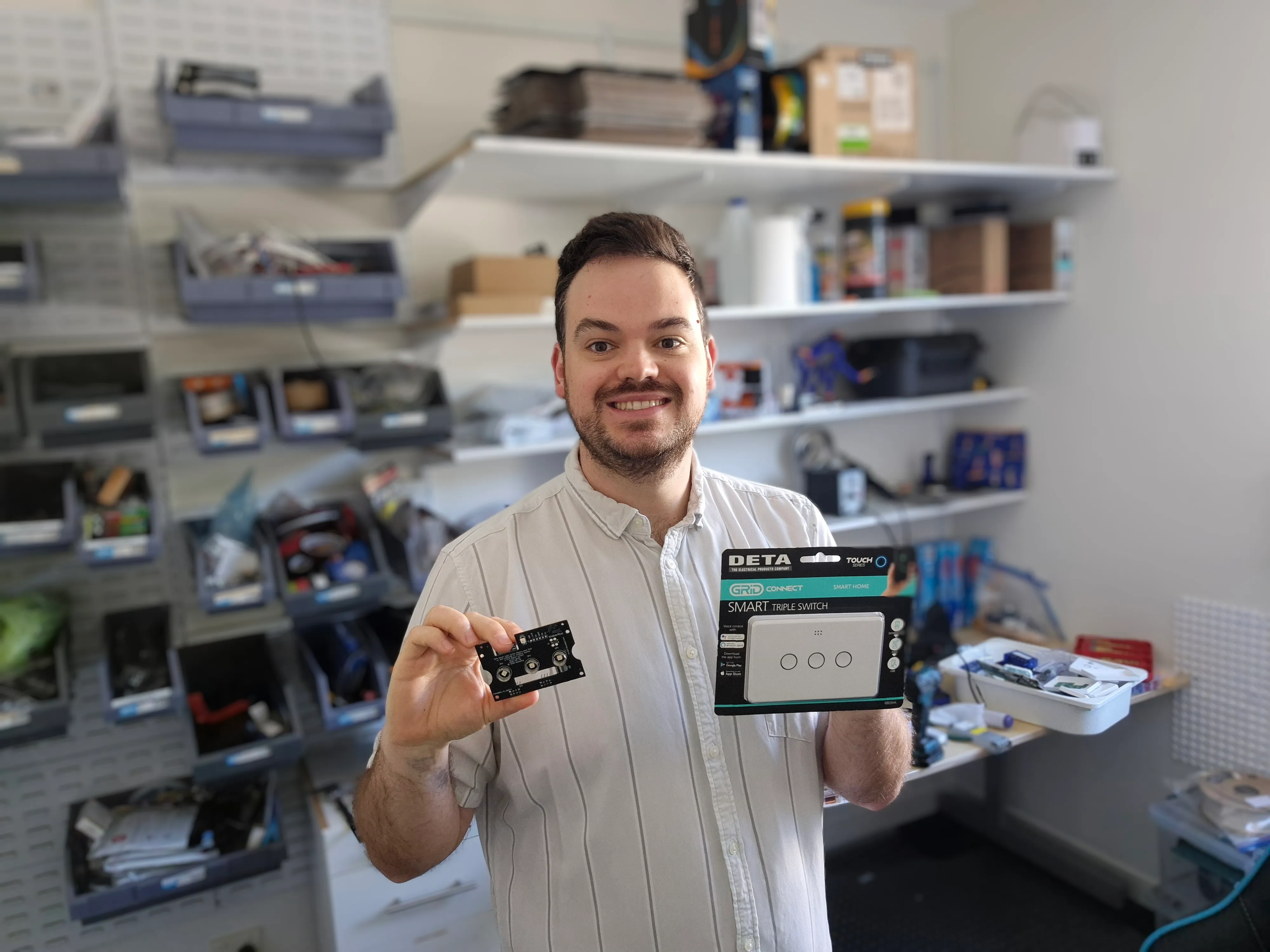
Where It All Started
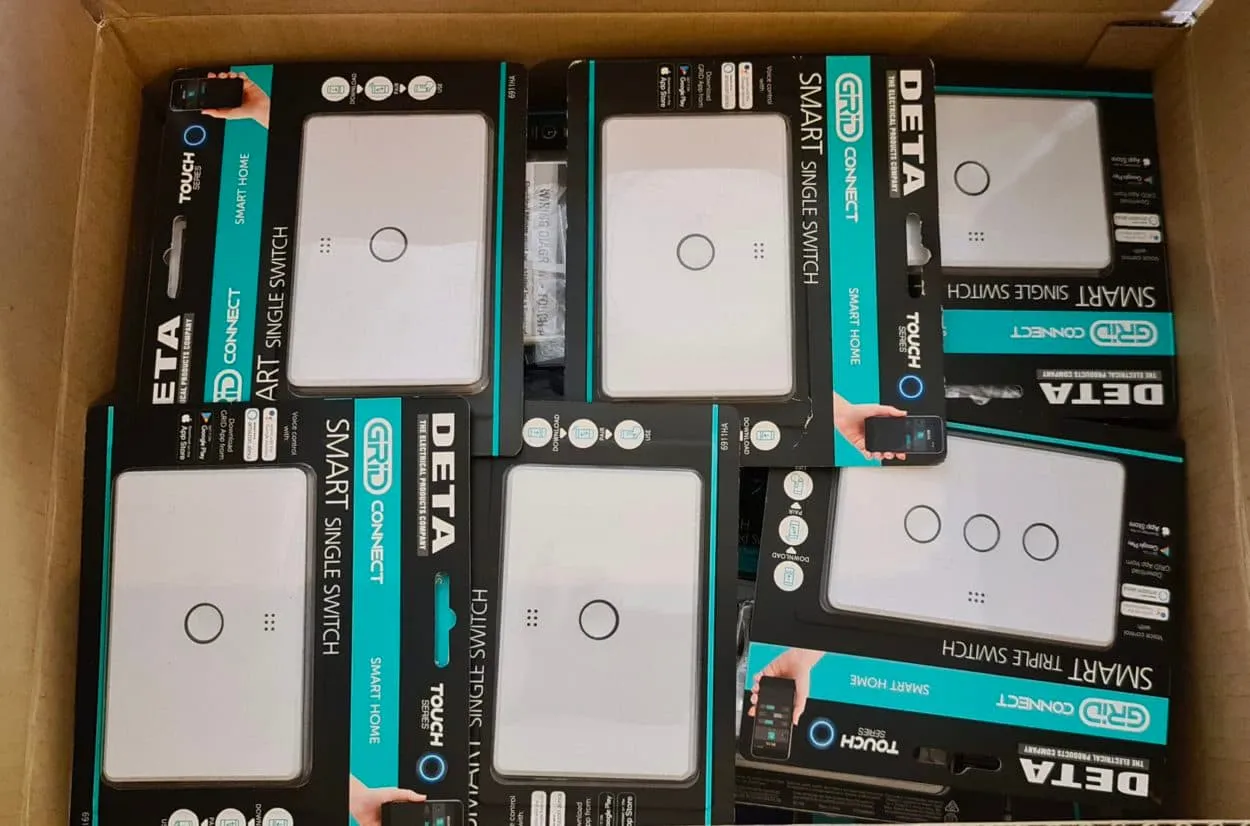
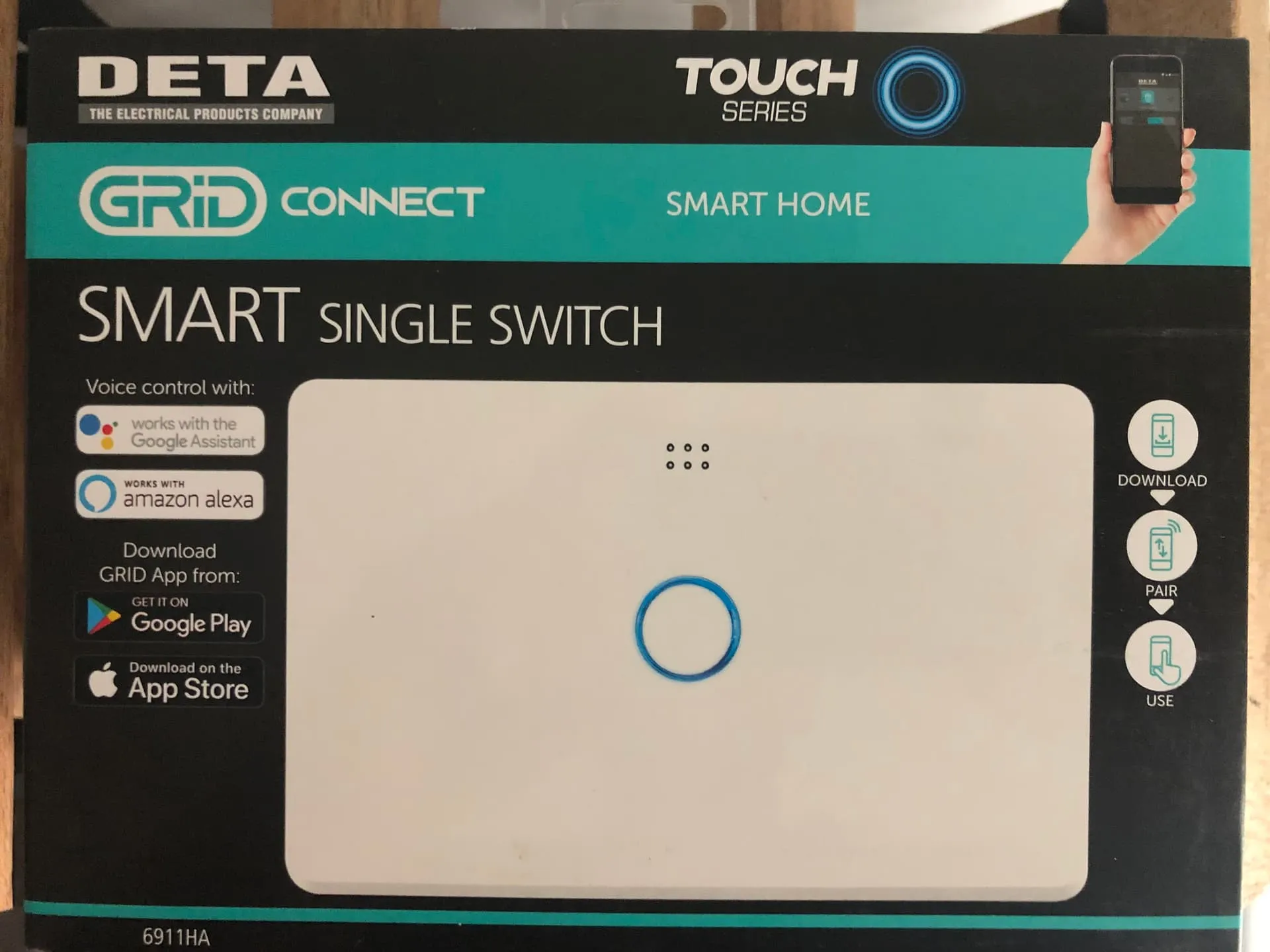
SwitchRoo didn't start as a grand business plan. It started out of pure frustration. A while back, I outfitted my place with some standard Deta smart switches from Bunnings. Almost immediately, I hit the classic smart home wall: cloud dependencies and lag.
While the physical button on the wall worked locally, turning the light on via the app meant the command had to bounce to a server in another hemisphere just for permission to turn on. If the internet or my home hub went down, my automations broke.
I wanted smart lights that were actually smart, and I wanted a built-in motion sensor so the light would auto-timeout.
Voiding the Warranties
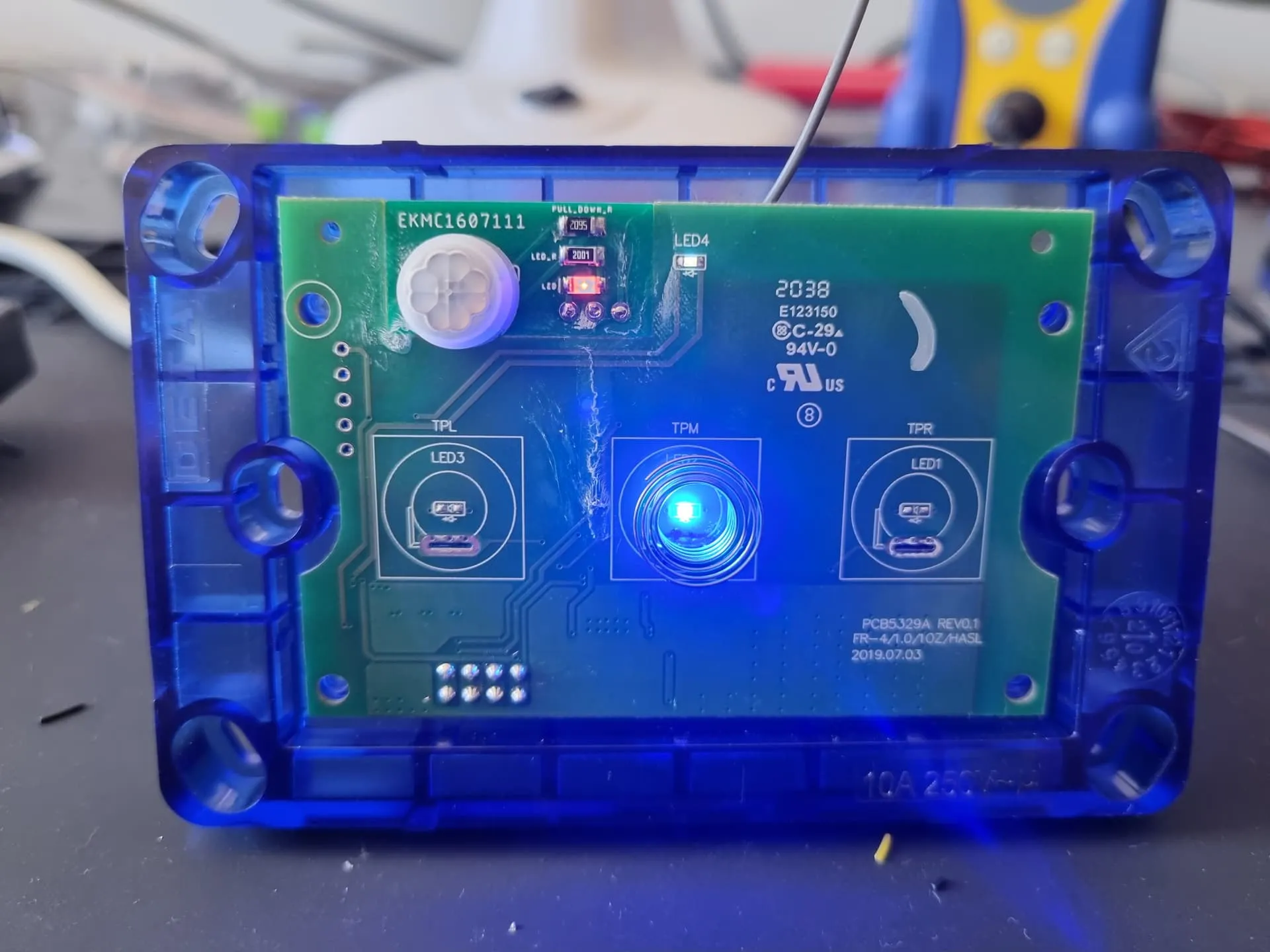
So, I voided the warranties. Since flashing the original Tuya chips over-the-air had been patched out by the manufacturer, I took a hot air gun to the board, ripped out the stock chips, and swapped in a single ESP microcontroller.
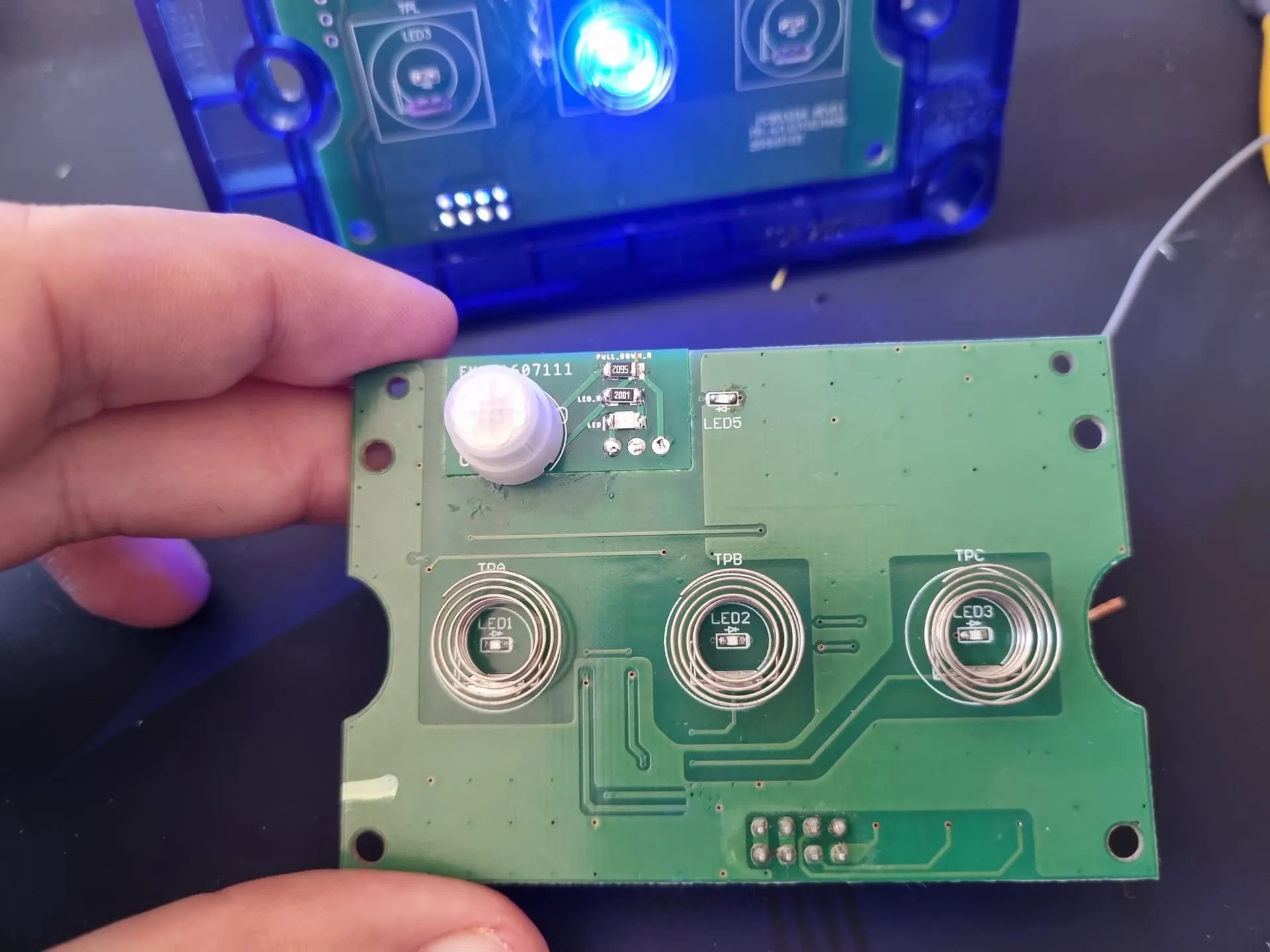
To fit the motion sensor, I had to get creative. I used the space on the board meant for the antenna keepout and created a tiny custom PCB to hold a Panasonic PIR sensor, gluing it directly into place. Because that keepout space was gone, I had to use an ESP module with an external antenna hanging out the back of the switch.
Because I'm a Massive Nerd…
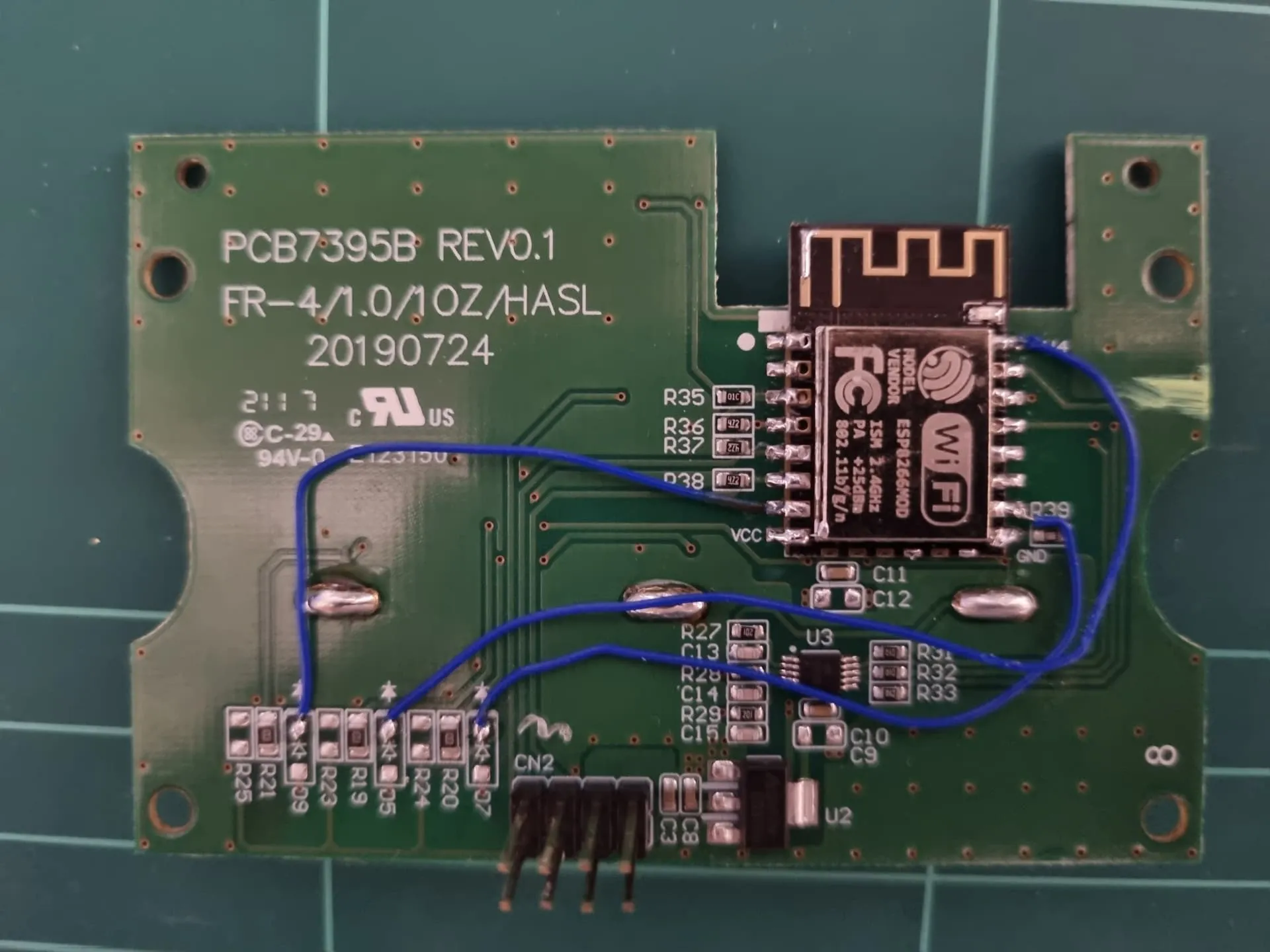
I didn't just want basic on/off control - I wanted a proper state machine. I de-soldered the button indicator LED resistors and used tiny wires to hook them up to separate ESP outputs. This decoupled the button LED from the actual light load logic, opening up the ability to flash the LEDs to indicate state changes - like a visual warning that the light is about to timeout - without the actual room lights flashing like a rave.
I flashed it with ESPHome, built the custom state machine to handle the logic completely locally, and shared the project on the Home Assistant community forums .
That hacked-together prototype became the blueprint for SwitchRoo.
From Bodge Wires to a Clean PCB
Looking at all the tiny bodge wires and glue inside my prototype, I started sketching the outline of the original logic board. I realized I could just design my own custom PCB to replace it entirely, avoid the messy hacks, and do it clean.
Since I was spinning my own board, I wanted to future-proof it. I chose an up-to-date ESP chip with the hardware required to support Zigbee and Matter/Thread (we're still waiting for official ESPHome support for these, but it's actively being worked on). I also took the opportunity to upgrade the buttons and indicator to RGB LEDs.
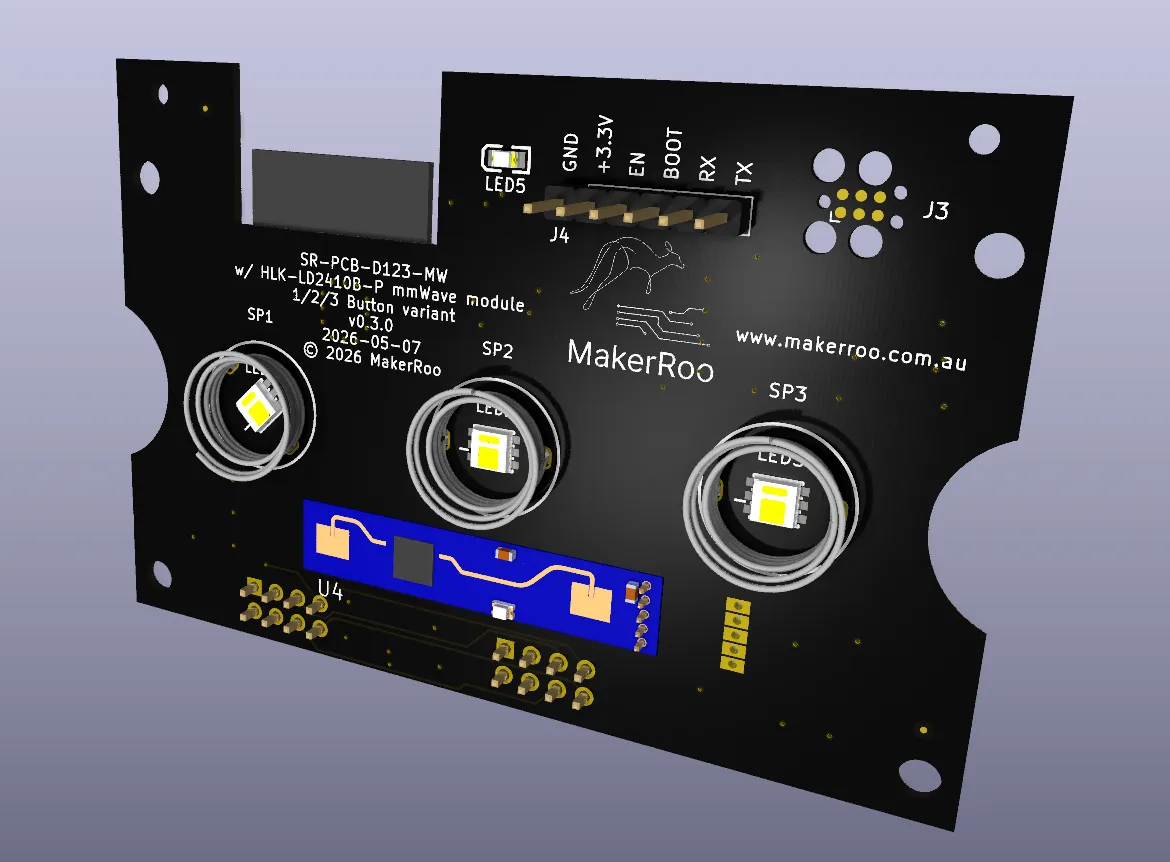
Initially, I wanted to keep the PIR sensor like my hack-job, but PIR requires a clear line of sight. That meant drilling a hole in the front faceplate. I 3D printed a few test plates with the hole in the correct spot, but honestly, it ruined the aesthetics - I much preferred the clean, factory injection-molded look.
That led me to research mmWave sensors, which can "see" right through the plastic faceplate. I found a well-supported module in ESPHome that fit my design perfectly, and here we are today.
Why Local-First Matters
For me, local control isn't just a buzzword; it's the only way home automation actually makes sense. Your app commands shouldn't rely on the cloud.
SwitchRoo is built on the philosophy that local logic rules supreme. If your hub goes offline - not just the internet, but the hub itself - your lights still work. You still get motion activation. It's your hardware, and it should work for you, instantly and reliably.
The Maker Approach: Doing It Properly
Transitioning from a bench-top mod to a real product has been a massive journey. I'm deep in the weeds of electronics manufacturing - evaluating pick-and-place machines, managing reflow ovens to handle runs of hundreds of boards, and navigating the strict EESS and ACMA regulatory standards.
It takes a lot of effort to jump through the compliance hoops, but it means the final product will be fully certified and ready to be legally installed by any licensed electrician in Australia or NZ.
Right now, I'm taking everything I've learned from those early prototypes and scaling up for production. It's a huge leap from hand-soldering a single board, but getting the hardware right - doing it properly - is the only way forward.
Where it began
Read the Original Forum Post
See the full technical deep-dive, state machine flowchart, and community discussion on the Home Assistant forums.
View on Home Assistant Community